


AI-POWERED VISUAL MODELING
The World's Leading AI-Powered Visual Modeling Chatbot
Go from a simple text prompt to a complete, presentation-ready diagram in seconds. Let our AI handle the complex drawing, so you can focus on building great systems.
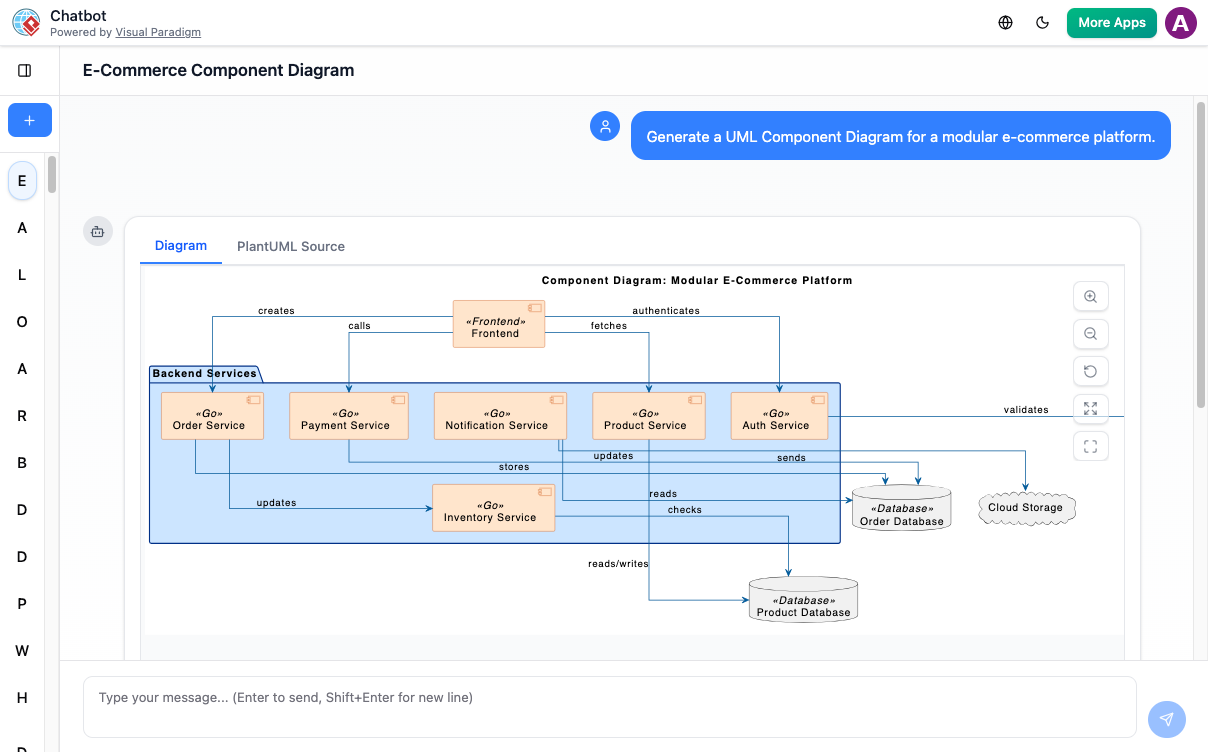
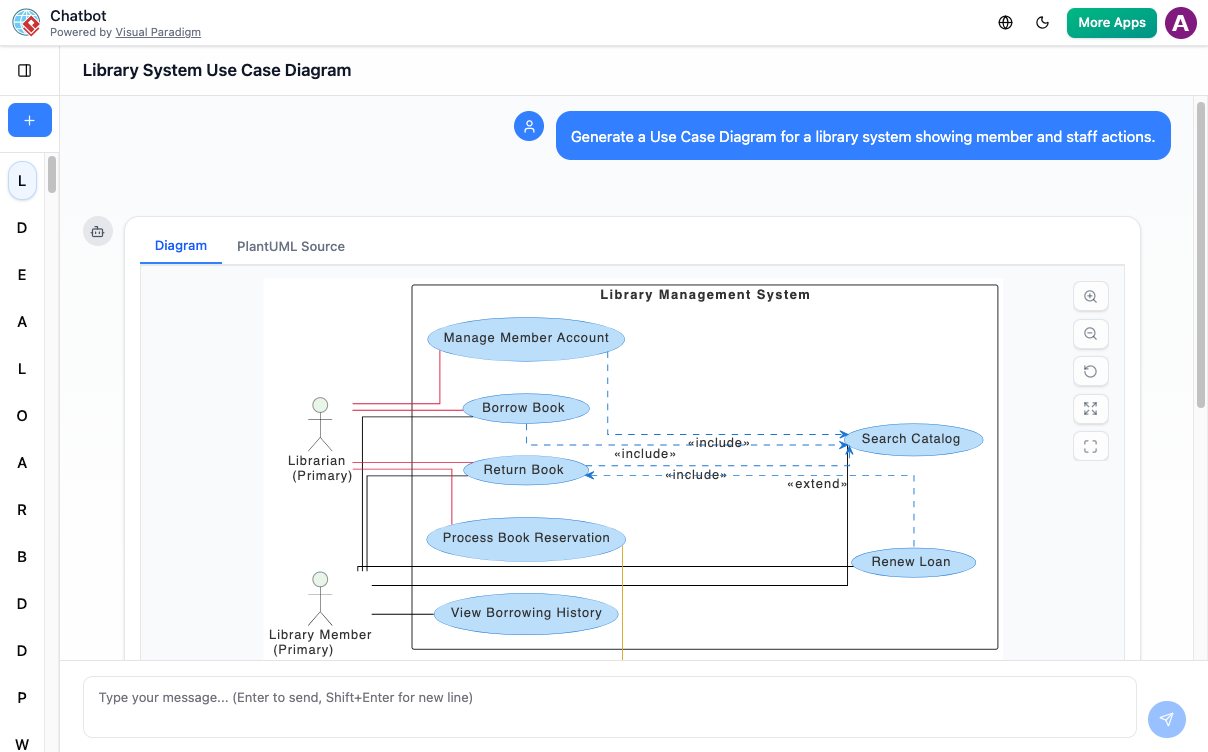
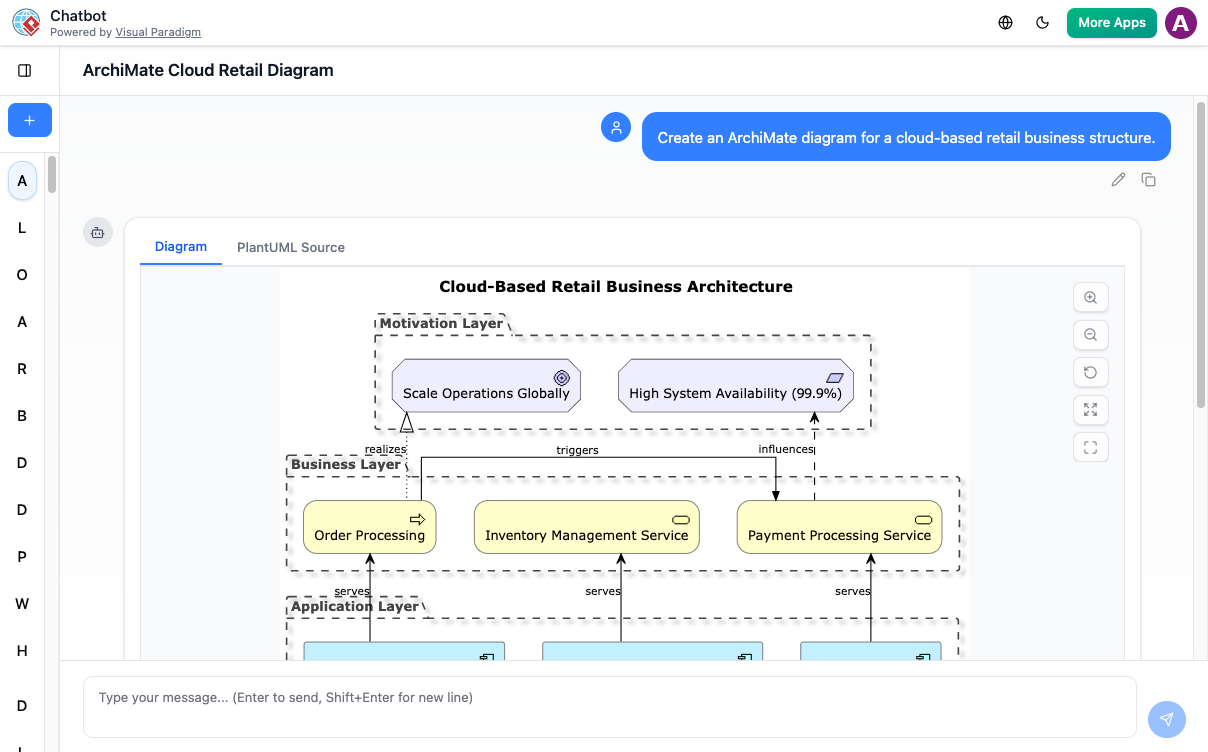
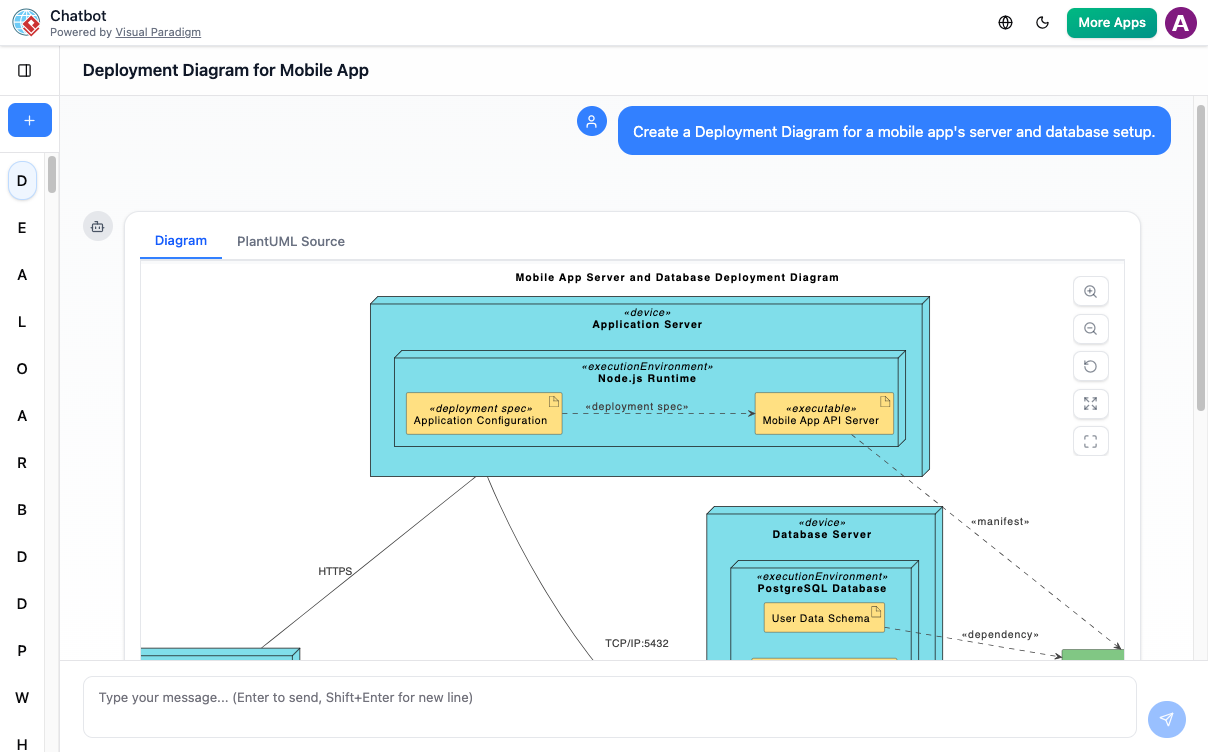
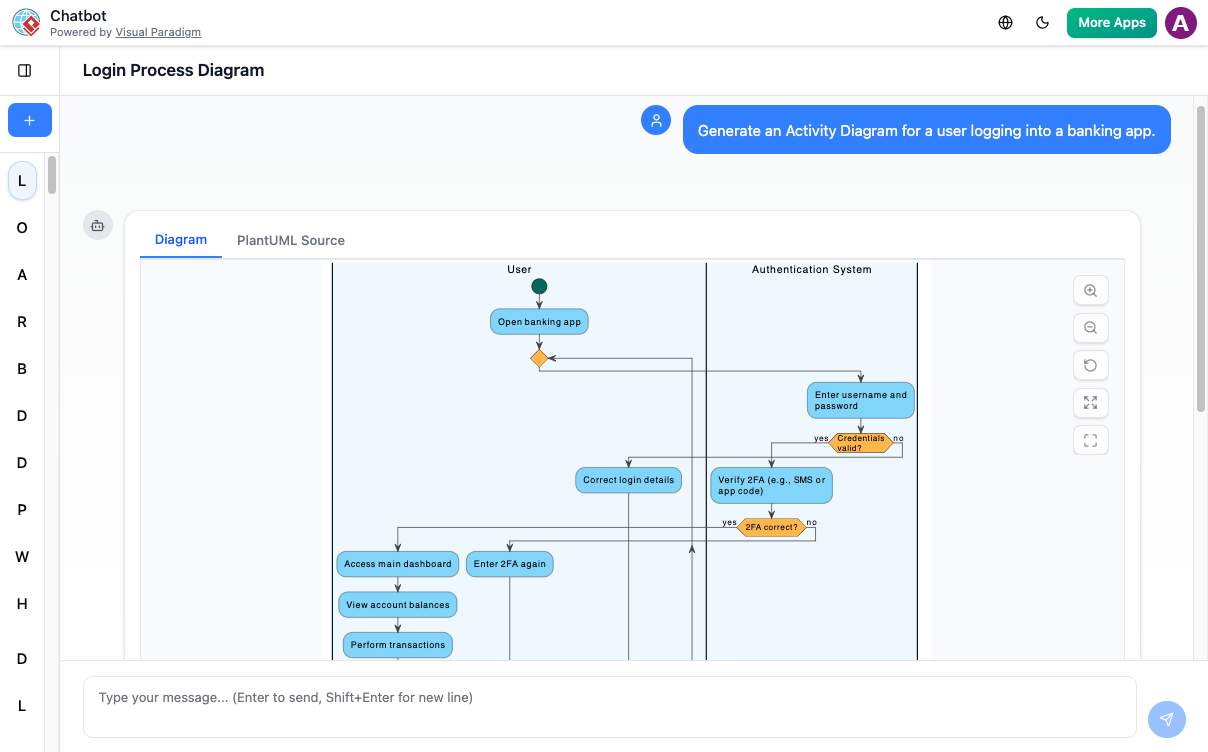
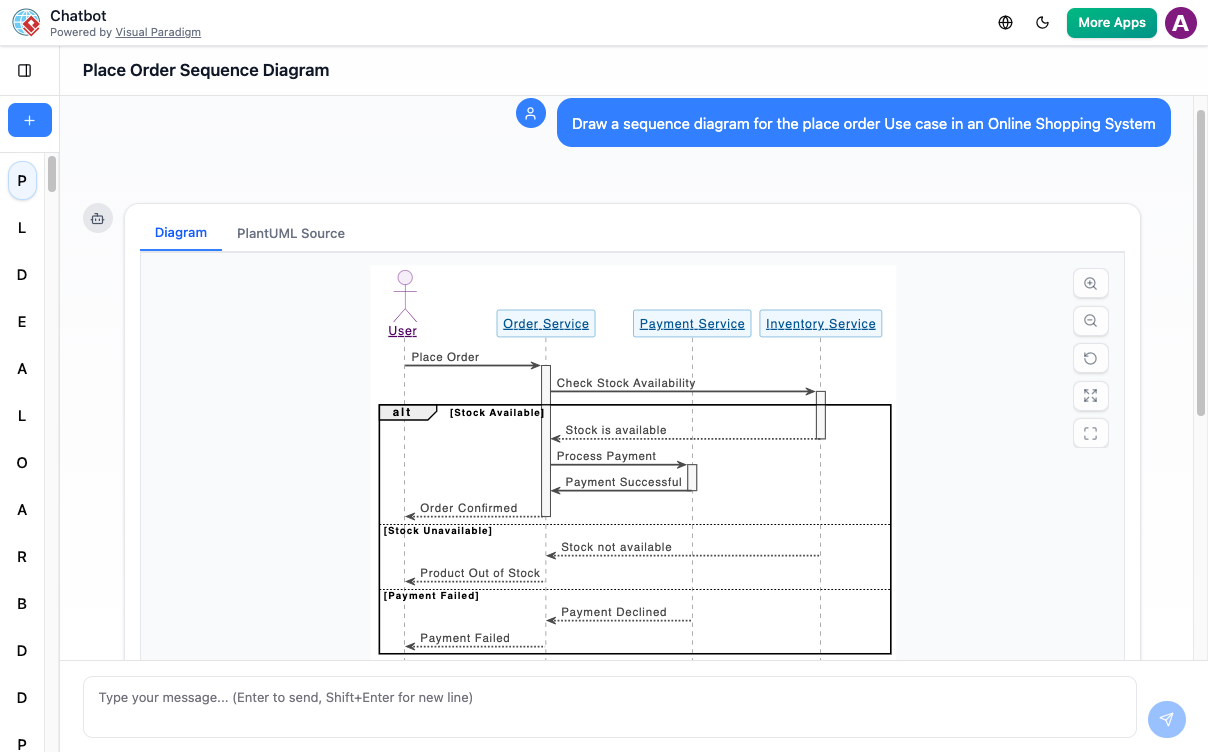
Your Creative Co-Pilot for Visuals
From the first spark of an idea to the final presentation, our AI is with you every step of the way.
Here’s how you can supercharge your workflow.
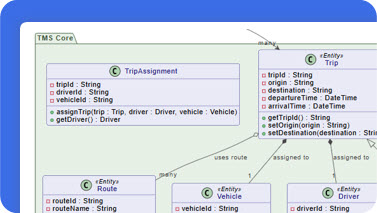
Instant Diagram Generation
Staring at a blank canvas? Just describe your idea in plain text. Watch as our AI architect maps out a detailed, accurate diagram in seconds.
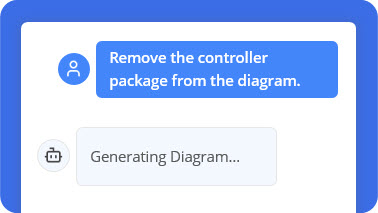
Edit with Simple Commands
Think of it as a conversation with your canvas. Simply tell the AI, ‘Add a database’, or ‘Rename User’ to ‘Customer’, and consider it done.
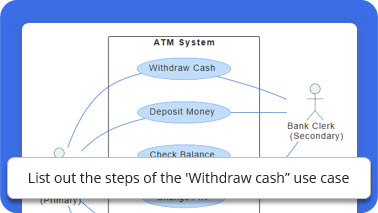
Ask Your Diagram Anything
Go beyond the visuals. Your diagram is now a knowledge base. Ask how to implement a deployment, or for the main scenarios in a use case.
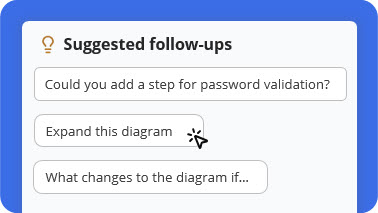
Diagram Never Lose Your Train of Thought
Unsure what to explore next? Our AI provides smart, contextual suggestions to help you delve deeper, refine your design, or uncover new insights.
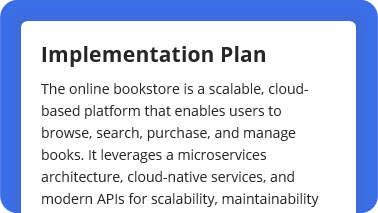
Documentation on Demand Generation
Turn any diagram into professional documentation. Ask for a detailed report, a summary, or a project proposal based on your visual model.
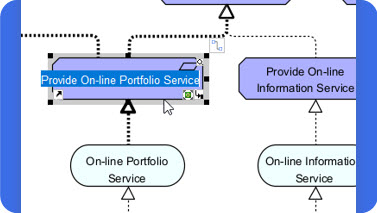
From AI to Pro Tool Generation
Happy with the AI-generated design? Seamlessly export your diagram to the Visual Paradigm desktop app for advanced modeling and team collaboration.
How It Works
Go from idea to intelligent diagram in just a few steps.

Describe Your Idea
Start by typing what you want to create — for example, “Create a use case diagram for an online shopping system.” Our AI instantly understands your intent and begins visualizing your concept.

Generate Your Diagram Instantly
In seconds, your text becomes a complete, presentation-ready diagram. No templates or manual drawing required — just clear, accurate visuals.

Refine with Simple Commands
Need changes? Talk to your diagram naturally. Type commands like “Add payment gateway” or “Rename Customer to Buyer.” The AI updates your diagram immediately.

Explore, Document, and Share
Ask questions like “What are the main use cases?” or “Generate a project summary.” Export your work or continue refining in the Visual Paradigm desktop app for advanced collaboration.
Unmatched AI Diagramming Support
From software engineering to business strategy, our AI covers a comprehensive suite of standards to bring your ideas to life.
What Our Community Says
See how professionals around the world are transforming their workflow with our AI-powered visual modeling tool.
“I used to spend hours sketching system contexts. Now I can focus on architecture decisions while the AI handles the drawing.”
Maria Thompson
Solution Architect
“Turning diagrams into reports with one command saves me hours during project reviews and makes my workflow much more efficient.”
Daniel Rivera
Project Manager
“I asked for a ‘deployment diagram for a cloud-based CRM,’ and it delivered exactly what I imagined. The accuracy blew me away.”
Liam Park
Cloud Architect
“As a startup founder, I use it to brainstorm product ideas visually. It helps me turn thoughts into structured business models fast.”
Aisha Khan
Founder & CEO
Frequently Asked Questions
Have questions? We’ve got answers. If you can’t find what you’re looking for, feel free to contact us.
Q1. What types of diagrams can I create?
Our AI supports a wide range of diagrams across various domains, including UML, C4 models for software architecture, and strategic frameworks like SWOT and PESTLE analysis. Check out our ‘Diagrams’ section for a more comprehensive list.
Q2. How does the text-to-diagram feature work?
You simply type a description of the system, process, or idea you want to visualize. For example, ‘Create a sequence diagram for a user logging into a website.’ Our AI analyzes your text and automatically generates a corresponding diagram, which you can then refine with further commands.
Q3. Can I edit the diagrams created by the AI?
Absolutely. Some diagrams can be imported into Visual Paradigm Desktop for advanced modeling. This feature requires a Visual Paradigm Professional Edition license. For ArchiMate, an Enterprise Edition license is required..
Q4. How can I collaborate with my team on these diagrams?
Collaboration is at the heart of Visual Paradigm. You can easily share a link to your AI-generated diagrams with colleagues. For deeper collaboration, you can transfer your diagrams to the full Visual Paradigm desktop or cloud platform, which offers real-time team collaboration, versioning, and project repository management.
Q5. Is the data I enter into the AI secure?
Yes, we take data security very seriously. All communication with our AI is encrypted. We have strict privacy policies in place, and your diagrams and prompts are your intellectual property. We do not use your data to train our models without your explicit consent.
Q6. How accurate are the AI-generated diagrams?
Our AI is trained on a vast library of diagrams and is highly accurate for common scenarios. However, it’s best to think of the AI as a creative co-pilot. It provides an excellent first draft (often 90% of the way there), which you can then quickly refine using simple text commands to ensure it perfectly matches your specific requirements.
Q7. Can the AI help me learn about diagramming standards?
Absolutely. Our AI is a great learning tool. If you’re unsure about a concept, you can ask it questions like, ‘What’s the difference between aggregation and composition in a UML class diagram?’ or ‘Show me an example of a C4 container diagram.’ It can provide explanations and generate examples to help you master these standards.
Ready to Revolutionize Your Workflow with AI?
Stop wrestling with tools. Embrace AI-powered visual modeling. Let our AI handle the visualization so you can focus on solving the bigger problems.