C4 System Context Diagram

The C4 System Context Diagram provides a high-level overview of a software system and its interactions with external users and systems.

Generate C4 System Context Diagram with AI Chatbot.

Instant System Context Diagram Generation

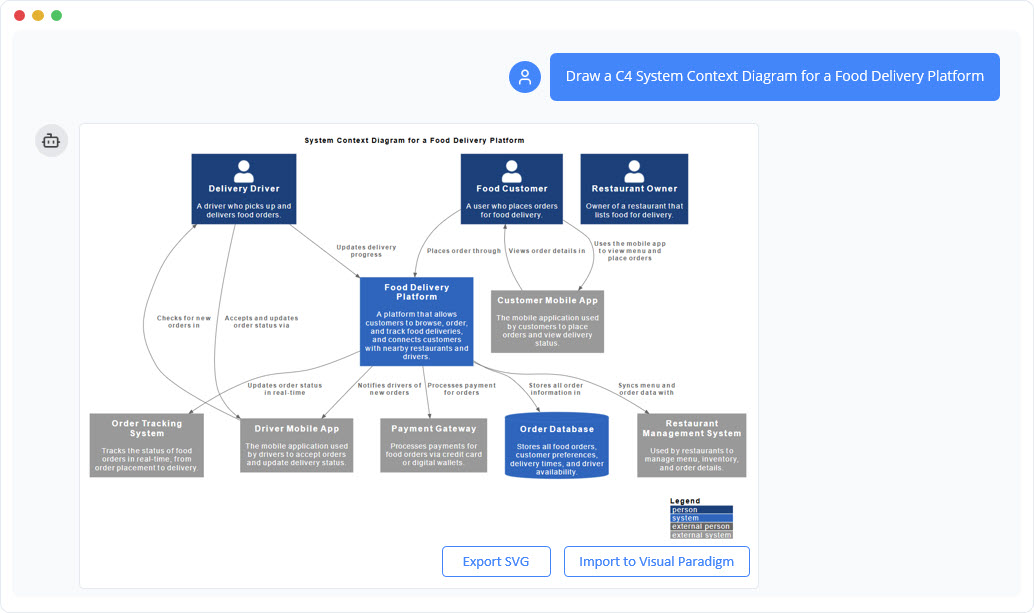
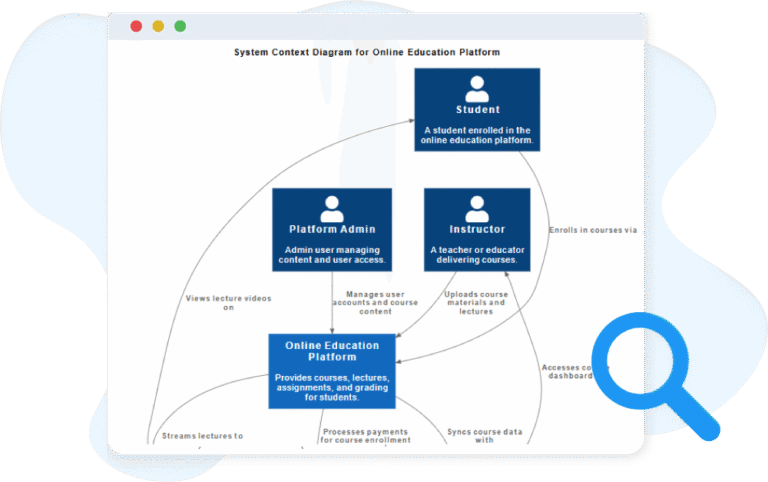
Creating a C4 System Context Diagram becomes remarkably fast with the AI Chatbot. Simply describe the environment of your system—such as “Build a C4 System Context Diagram for an Online Banking Platform”—and the chatbot produces a complete, high-level view in seconds. It identifies the main actors, external systems, and interactions automatically, giving you a ready-to-use diagram without touching any layout tools.

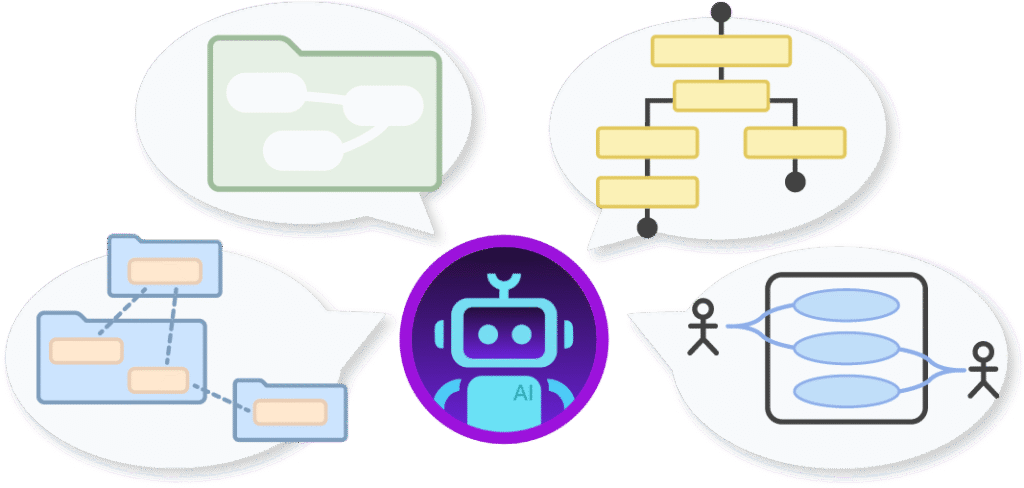
The AI Chatbot can generate different diagrams according to your need in the chat.

Refine and Explore Through Conversation

You can expand and clarify the diagram through natural conversation. Ask the AI to add new people, adjust system boundaries, rename components, or describe relationships more clearly. You can also request deeper insights—like “What elements seem missing?” or “Suggest external dependencies.” The chatbot becomes an active thinking partner, helping you shape a clean and accurate architectural context.

Benefits of Creating C4 System Context Diagram​ with the AI Chatbot

tick-icon-3.png

Produce clear, C4-compliant diagrams instantly from simple text prompts.

tick-icon-3.png

Easily adjust system scope, actors, and dependencies through conversational commands.

tick-icon-3.png

Maintain architectural clarity with AI guidance that prevents unnecessary detail.

tick-icon-3.png

Build a shared understanding quickly during early-stage discussions or kickoffs.

tick-icon-3.png

Use the generated context as a foundation for deeper C4 modeling, such as Container or Component diagrams.

Examples of Generating C4 System Context Diagram

Use simple text prompts to generate this diagram in seconds. Here are a few examples to get you started:

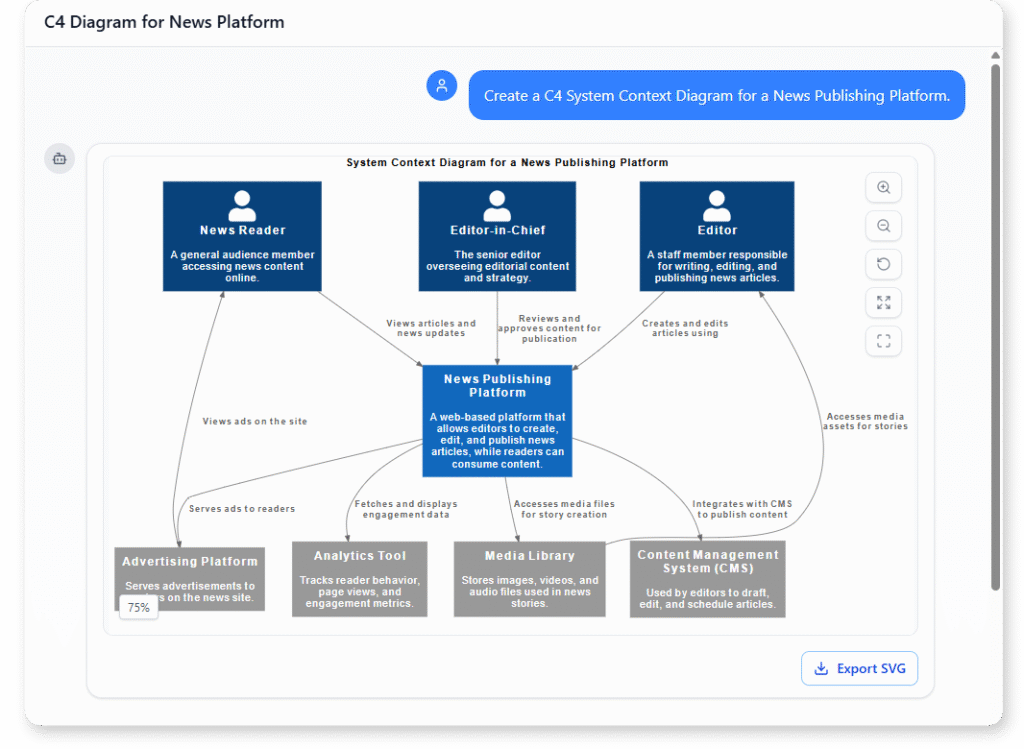
News Publishing Platform

“Create a C4 System Context Diagram for a News Publishing Platform. “

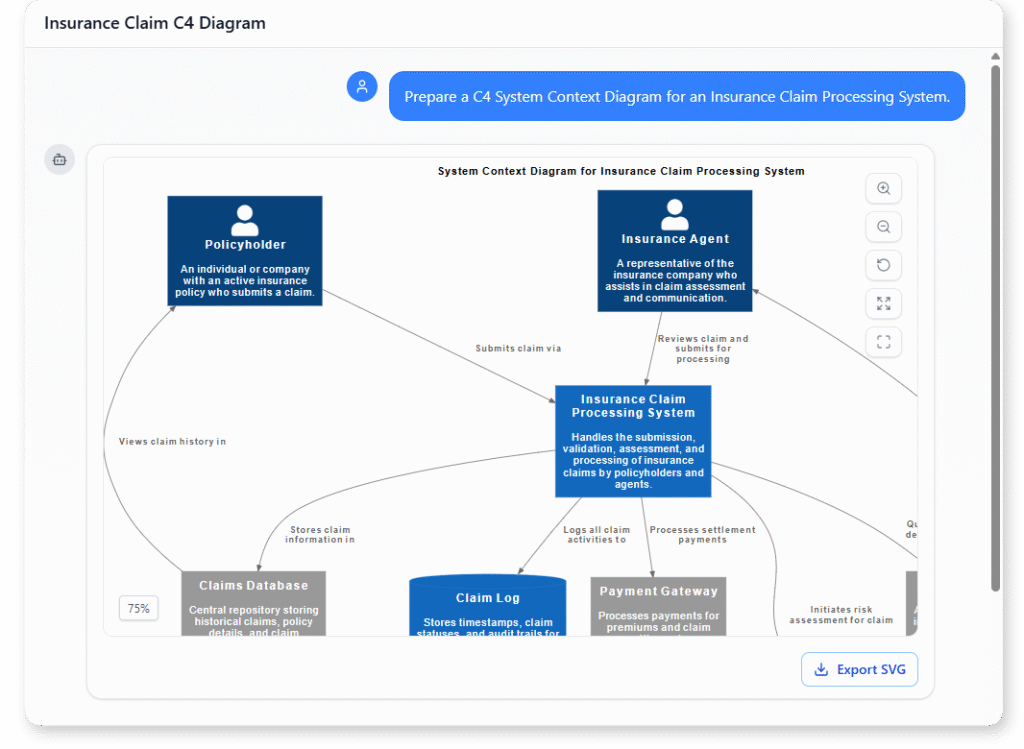
Insurance Claim Processing System

Creating diagram for "Prepare a C4 System Context Diagram for an Insurance Claim Processing System."

“Prepare a C4 System Context Diagram for an Insurance Claim Processing System.”

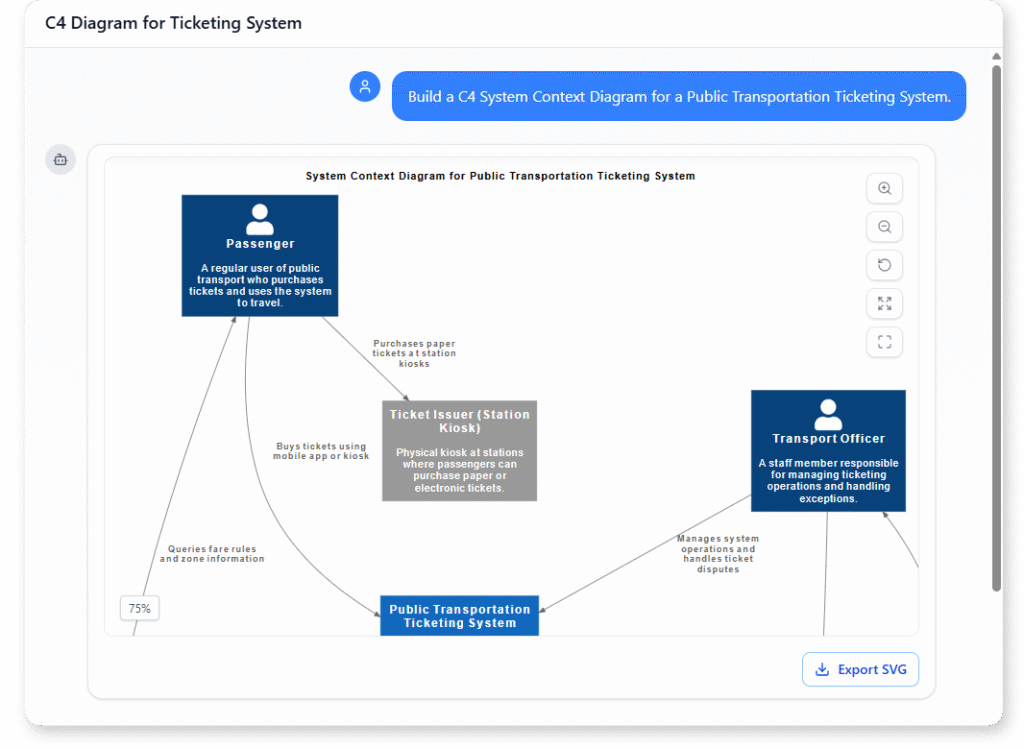
Public Transportation Ticketing System

Creating diagram for "Build a C4 System Context Diagram for a Public Transportation Ticketing System."

“Build a C4 System Context Diagram for a Public Transportation Ticketing System.”

What is a C4 System Context Diagram?

A C4 System Context Diagram provides the top-level view of how your software system fits into its surrounding environment. It highlights the system, the people who use it, and the external systems it depends on—all presented in a simple, high-level structure that anyone can understand.

This diagram is designed to establish a shared vision from the very beginning of a project. By defining boundaries early, it becomes easier to communicate scope, clarify responsibilities, and ensure that both technical and non-technical stakeholders are aligned before moving into deeper levels of design.

Key Concepts of a C4 System Context Diagram

Key Concepts

C4 System Context Diagram

A C4 System Context Diagram provides a high-level view of the system and its environment. It shows the system, its users, external systems, and how they interact, helping stakeholders understand the overall scope.

  • Boundary – A general boundary grouping elements in the diagram.

  • Enterprise_Boundary – Defines the scope of the organization or enterprise.

  • System_Boundary – Defines the boundary of the system, separating it from external systems and actors.

People / External Actors
  • Person – A human user interacting with the system.

  • Person_Ext – An external user or role outside the system boundary.

  • System – The internal system being modeled.

  • SystemDb – A database within the system.

  • SystemQueue – A messaging or queuing system within the system.

  • System_Ext – An external system interacting with your system.

  • SystemDb_Ext – An external database system.

  • SystemQueue_Ext – An external messaging or queuing system.

Ready to Revolutionize Your Workflow with AI?

Stop wrestling with tools. Embrace AI-powered visual modeling. Let our AI handle the visualization so you can focus on solving the bigger problems.

Scroll to Top