UML Activity Diagram
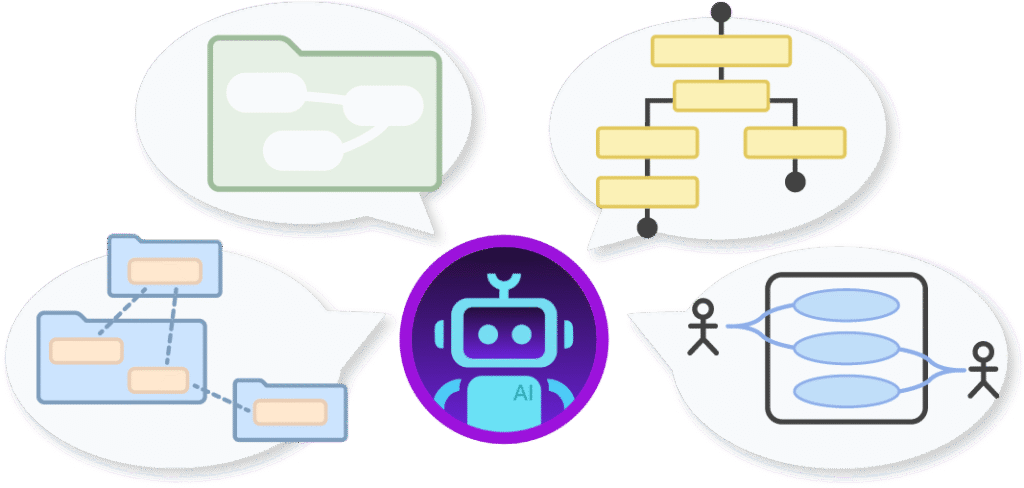
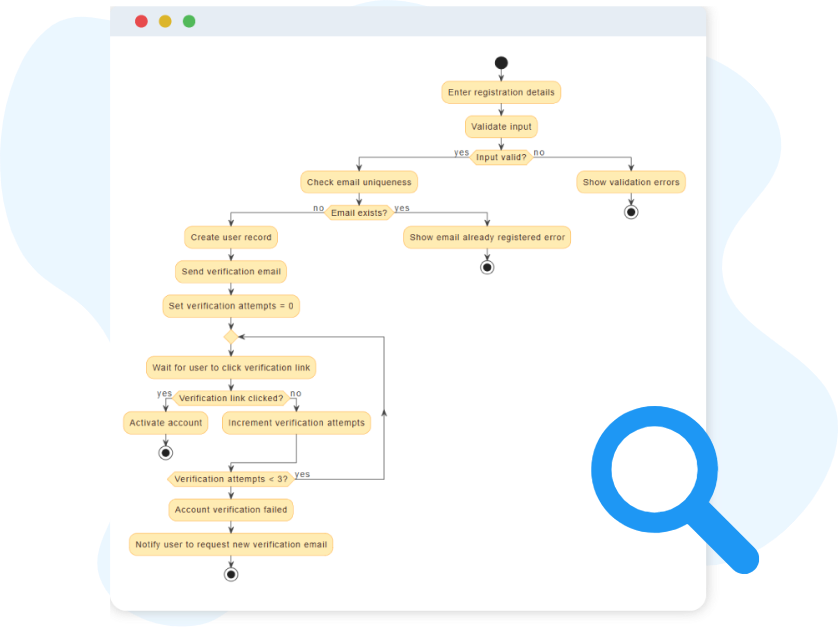
The UML Activity Diagram represents the dynamic workflow of activities and decisions within a process.
Instant Sequence Diagram Generation
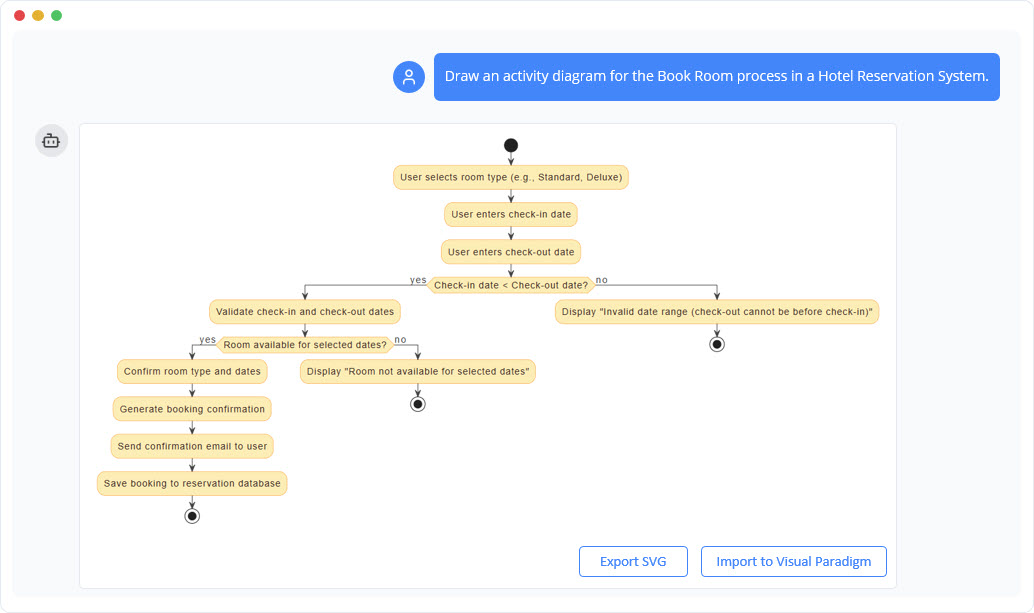
Instead of spending time laying out shapes and arrows by hand, you can describe your process in plain language and let the AI turn it into a complete Activity Diagram. Whether you outline a simple step-by-step flow or a complex route with decisions and parallel paths, the chatbot converts your text into a clean, structured workflow in seconds. This makes it easy to start visualizing ideas immediately without worrying about notation or formatting.
Refine Your Workflow Through Conversation
Workflow design evolves as you think, and the AI supports this by allowing quick, conversational refinements. If you want to reorder steps, introduce new conditions, or assign responsibilities to swimlanes, you can simply tell the chatbot what needs to change. The diagram updates accordingly, helping you explore alternatives, correct gaps, and polish the logic until the flow matches your intended process.
Benefits of Creating Activity Diagrams with the AI Chatbot
Ensures correct UML notation automatically, even for complex elements like forks, joins, and decision
Produces clean, readable layouts without manual dragging or resizing.
Speeds up workflow modeling by converting plain-text descriptions directly into diagrams.
Makes iterative refinement easy—add, remove, or reorder steps through simple conversational updates.
Supports clear responsibility mapping by organizing swimlanes on command.
Keeps documentation up to date by quickly regenerating diagrams when processes evolve.
Examples of Generating UML Activity Diagram
Use simple text prompts to generate this diagram in seconds. Here are a few examples to get you started:
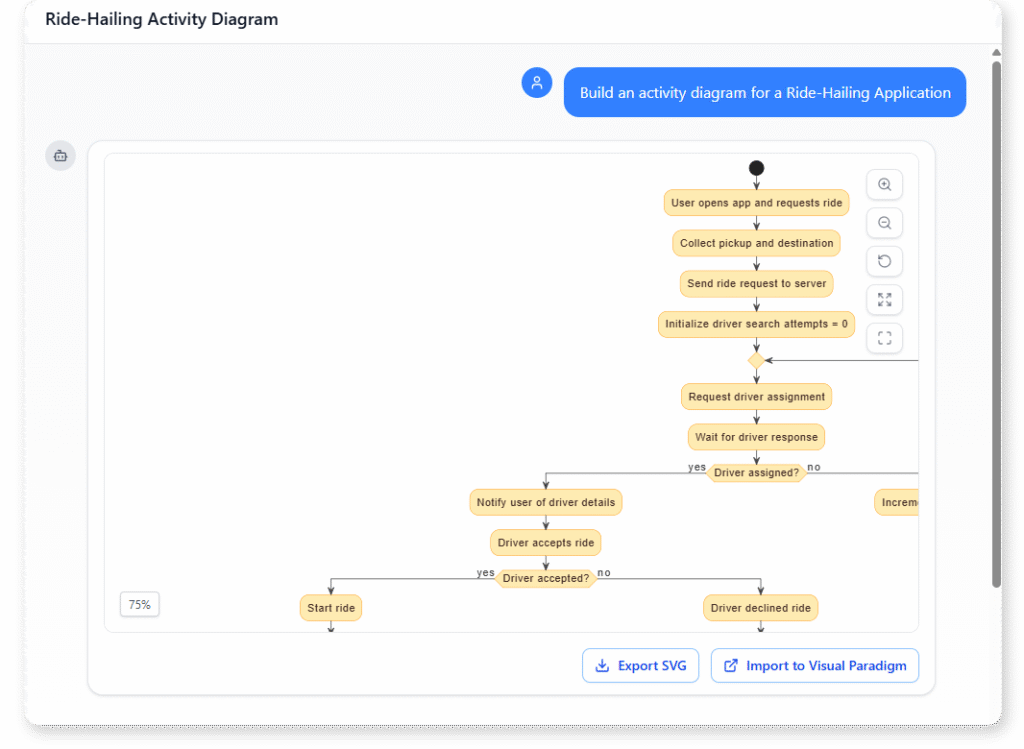
Ride-Hailing Application
“Build an activity diagram for a Ride-Hailing Application”
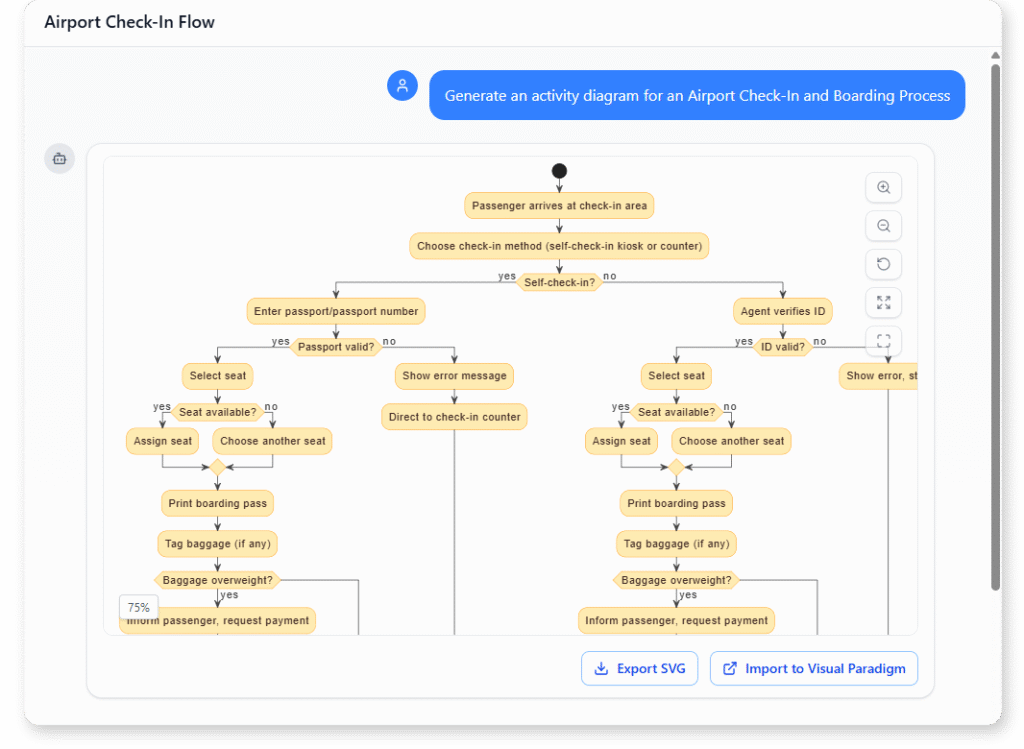
Airport Check-In and Boarding Process
“Generate an activity diagram for an Airport Check-In and Boarding Process.”
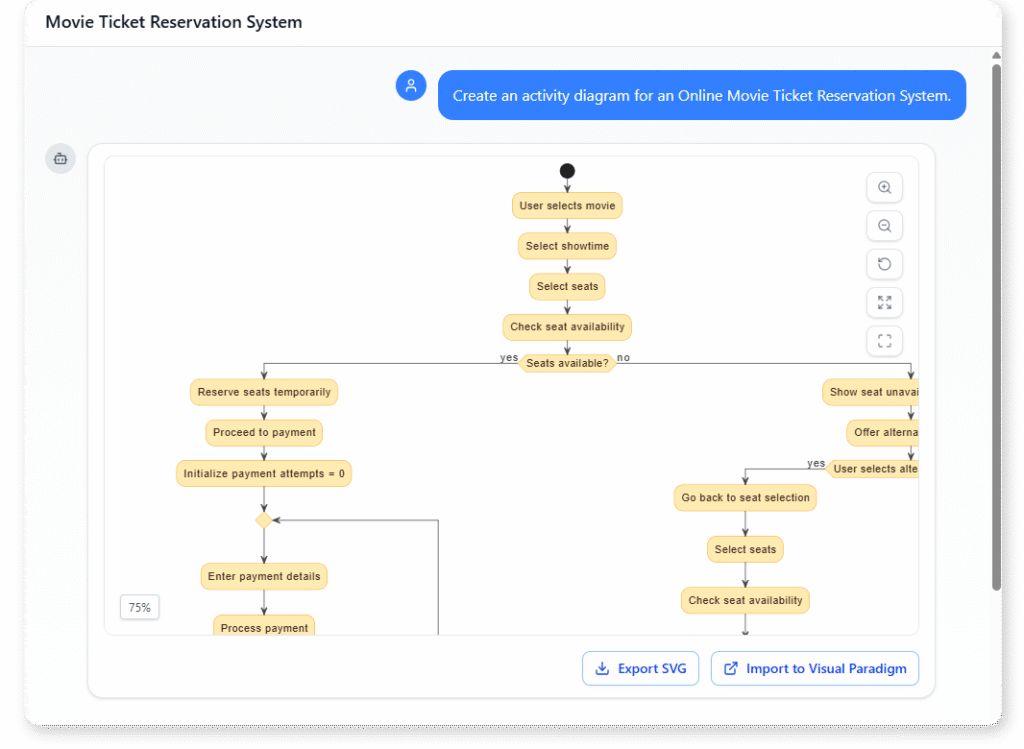
Online Movie Ticket Reservation System
“Create an activity diagram for an Online Movie Ticket Reservation System.”
What is a UML Activity Diagram?
A UML Activity Diagram is a flow-based visual model that shows how a process moves from one step to the next. It illustrates actions, decisions, parallel paths, and outcomes, making it ideal for representing procedures, business activities, or system behaviors.
Because it highlights both the sequence and structure of a workflow, this diagram helps you identify bottlenecks, clarify responsibilities, and understand how different steps connect. It is widely used in business analysis, software design, and process optimization.
Key Concepts
Activity Diagram
An activity diagram is a UML diagram that models the workflow or process flow of a system. It shows the sequence of activities, decisions, and parallel processes, making it useful for describing business processes or the logic of a use case.
Action
An action represents a single step in the workflow — a unit of work that needs to be performed. Actions are drawn as rounded rectangles and are connected by flows that show the order of execution.
Ready to Revolutionize Your Workflow with AI?
Stop wrestling with tools. Embrace AI-powered visual modeling. Let our AI handle the visualization so you can focus on solving the bigger problems.