UML Object Diagram

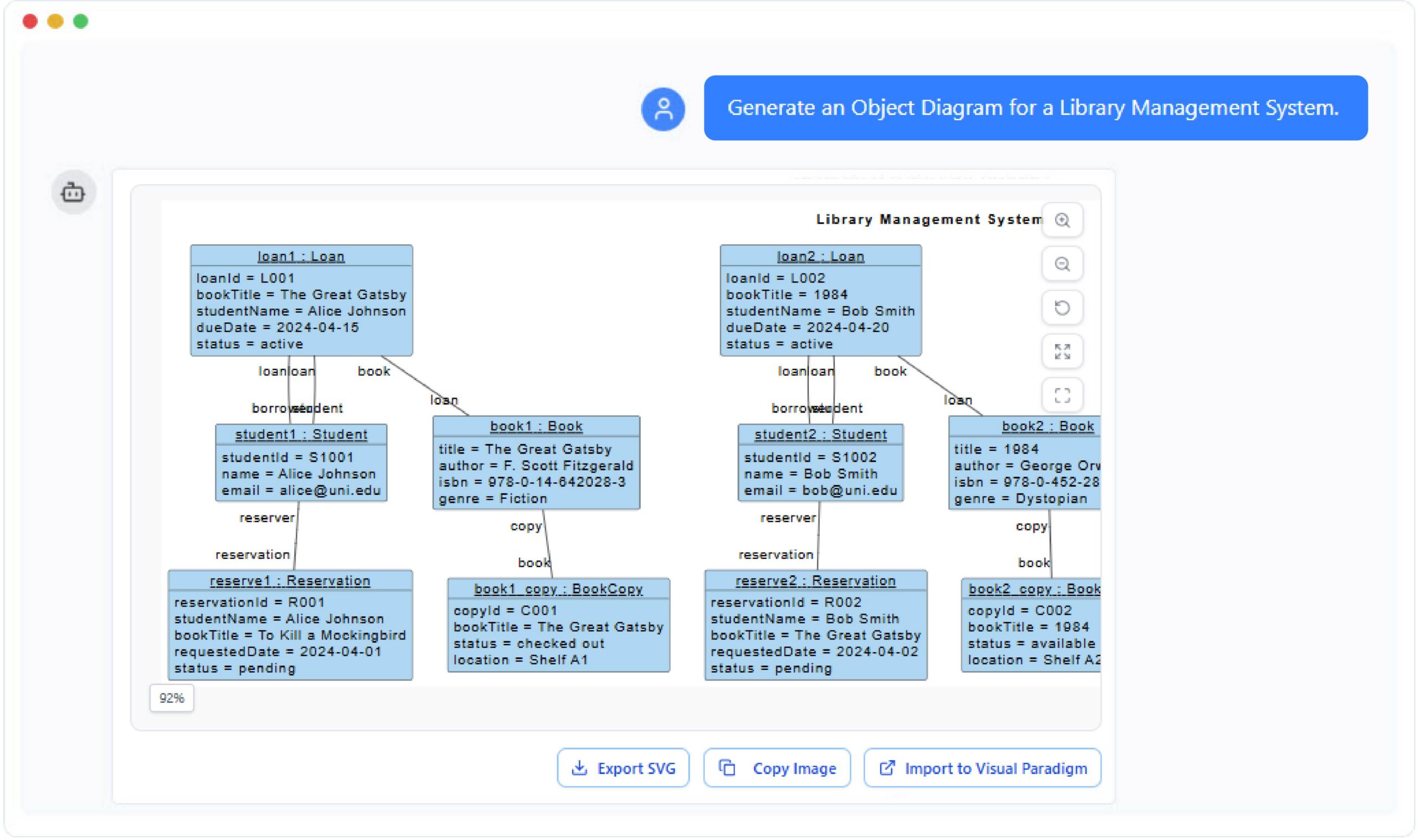
The UML Object Diagram shows instances of classes and their relationships at a specific moment in time.

Generate Object Diagram with AI Chatbot.

Instant Object Diagram Creation

Turning real-world system states into visual diagrams becomes simple with the AI chatbot. Instead of manually crafting objects, assigning values, and linking relationships, you only need to describe the scenario in plain language. The chatbot instantly generates an object diagram that reflects a specific moment in your system, complete with object instances, attribute values, and live connections between them.

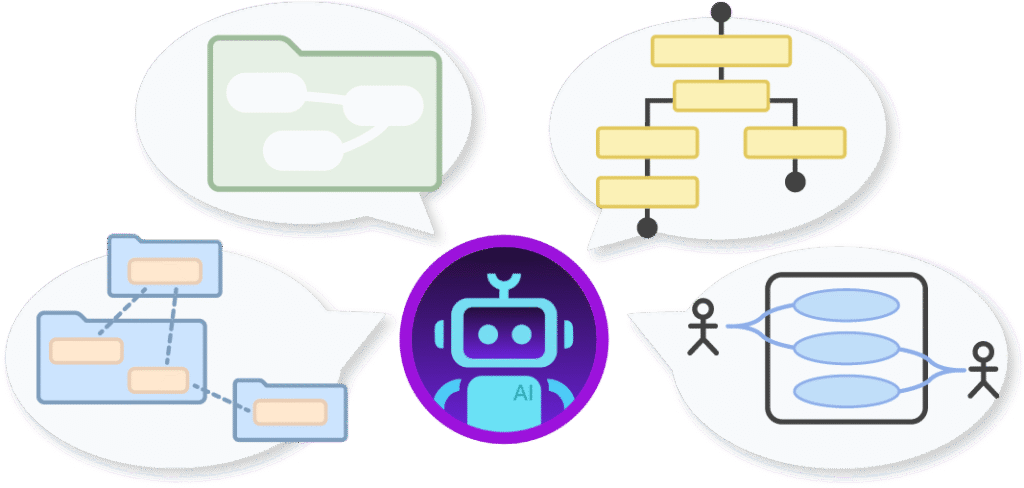
The AI Chatbot can generate different diagrams according to your need in the chat.

Refine and Explore Through Conversation

After your initial snapshot is created, you can refine it through natural conversation. Ask the chatbot to introduce more objects, change attribute values, simulate another system moment, or adjust the links between instances. This makes it easy to explore different runtime states, validate behavior, or prepare variations for analysis or teaching. Every adjustment is updated visually, allowing you to evolve the diagram as your scenario develops.

Benefits of Creating Object Diagrams with the AI Chatbot

tick-icon-3.png

Quickly transforms descriptive scenarios into complete instance-level diagrams.

tick-icon-3.png

Automatically assigns realistic attribute values based on context.

tick-icon-3.png

Ensures every object and link remains consistent with the underlying class model.

tick-icon-3.png

Helps you explore multiple runtime moments for debugging or demonstration.

tick-icon-3.png

Simplifies documentation of system behavior during workflows or transactions.

tick-icon-3.png

Reduces modeling effort and keeps diagrams aligned with evolving requirements.

Examples of Generating UML Object Diagram

Use simple text prompts to generate this diagram in seconds. Here are a few examples to get you started:

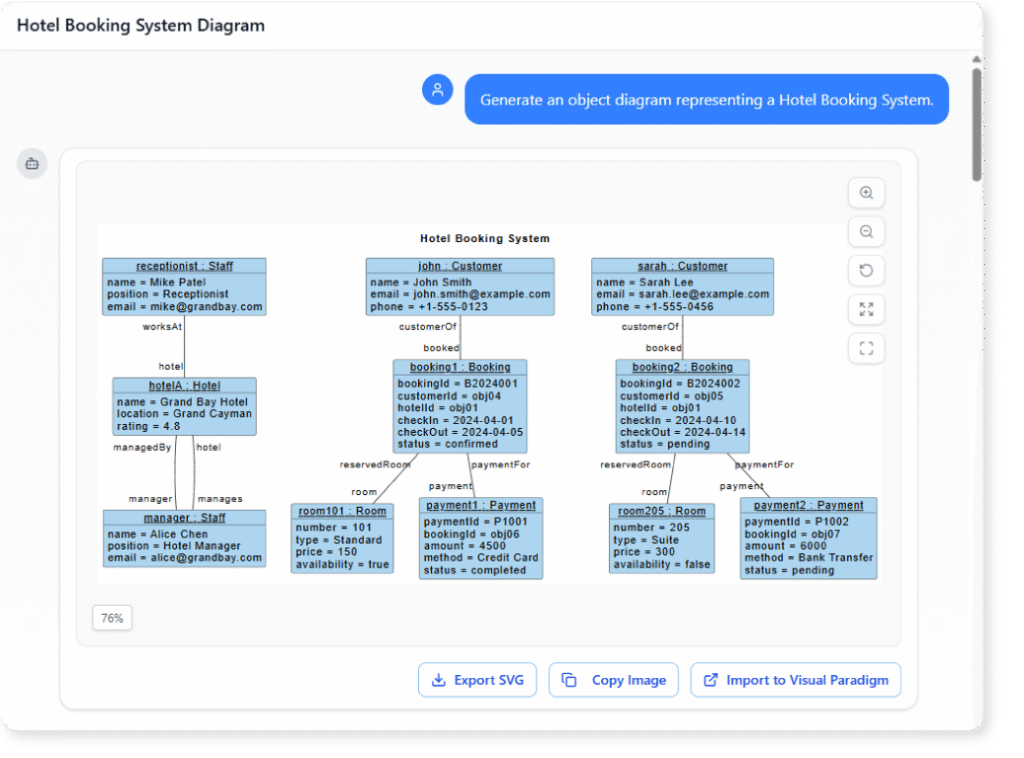
Hotel Booking System

Object Diagram example of Hotel Booking System

“Generate an object diagram representing a Hotel Booking System.”

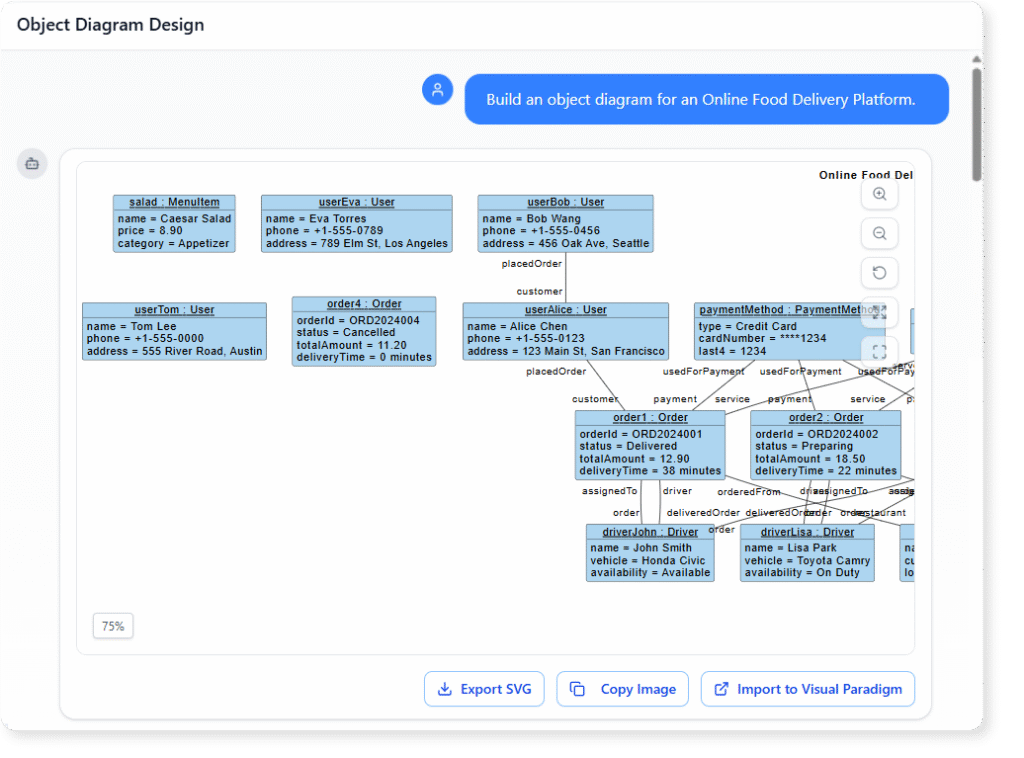
Online Food Delivery Platform

Object Diagram example of

“Build an object diagram for an Online Food Delivery Platform.”

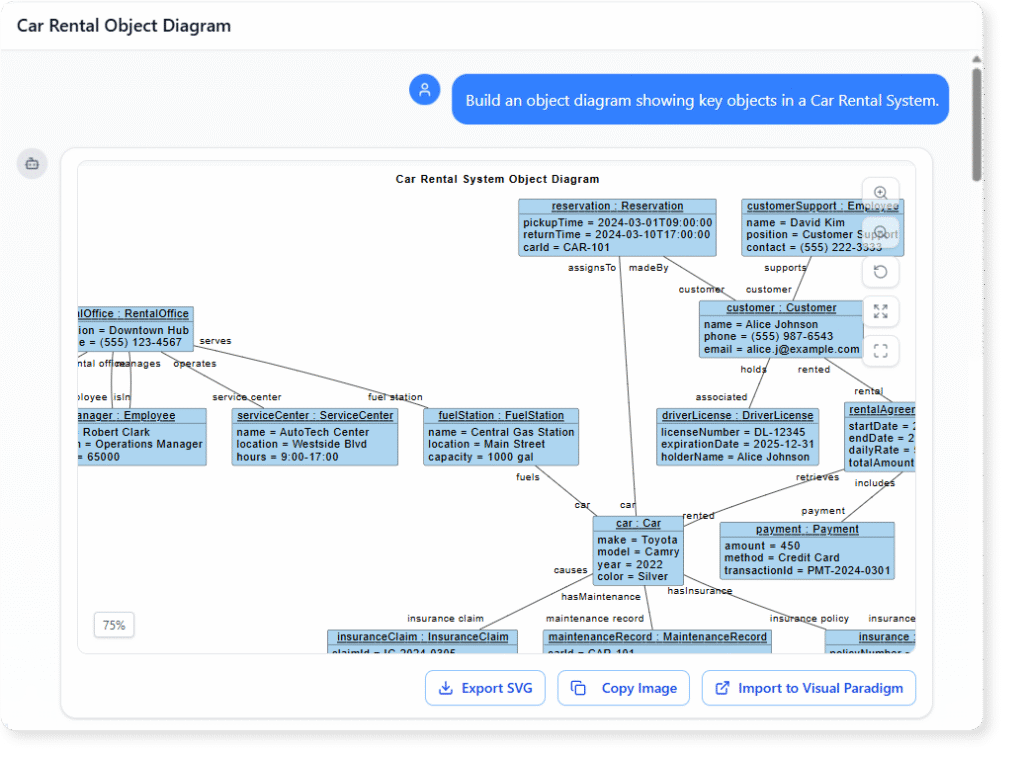
Car Rental System

Object Diagram example of Car Rental System

“Build an object diagram showing key objects in a Car Rental System. “

What Is a UML Object Diagram?

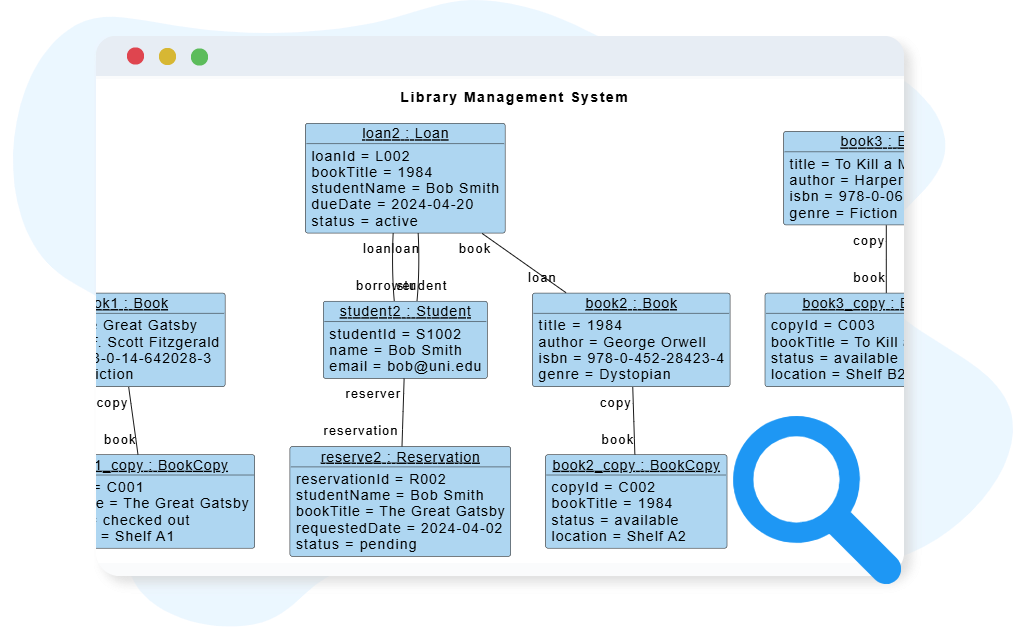
An Object Diagram is a UML structure diagram that captures a real, specific snapshot of a system at a given point in time. Unlike class diagrams, which describe abstract blueprints, an object diagram shows live instances with actual values and concrete links.

It helps you understand runtime behavior by illustrating how objects interact, what data they contain, and how relationships unfold during a scenario or process. This makes object diagrams ideal for debugging, teaching, requirement validation, and exploring dynamic states within a system.

Key Concepts of an Object Diagram

Key Concepts

Object Diagram

An Object Diagram represents a snapshot of a system at a specific moment in time, showing how instances of classes (objects) interact and relate to one another. It illustrates real examples of data and relationships rather than abstract structures, making it useful for understanding runtime scenarios, validating class designs, and explaining how objects collaborate within the system.

A Link is a connection that represents an instance of an association between two or more objects. It is shown as a solid line connecting objects and may include role names or labels to clarify the nature of the relationship. Links demonstrate how objects are related and communicate in a particular state of the system.

Object

An Object is an instance of a class that contains actual data values for its attributes. It is depicted as a rectangle divided into compartments, showing the object’s name and class (e.g., order1 : Order) along with attribute values (e.g., status = “Paid”). Objects help visualize real-world examples of how system entities exist and interact at runtime.

Ready to Revolutionize Your Workflow with AI?

Stop wrestling with tools. Embrace AI-powered visual modeling. Let our AI handle the visualization so you can focus on solving the bigger problems.

Scroll to Top