


Communication Diagram
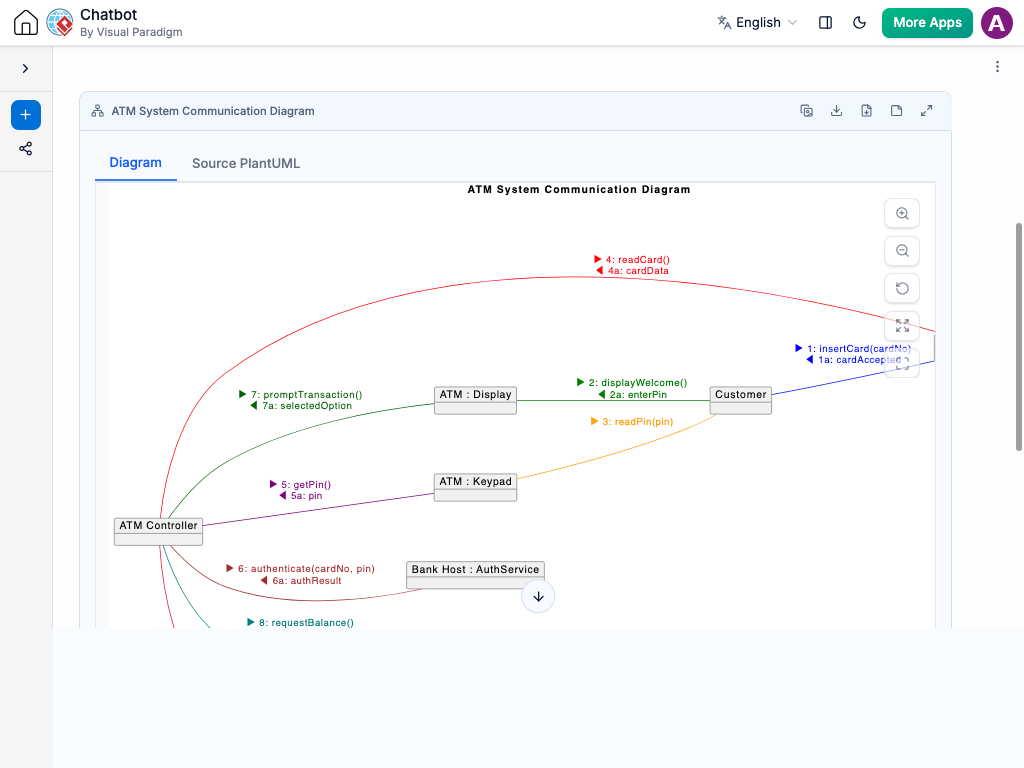
Instant Communication Diagram Creation
Building complex interaction models shouldn’t take hours of manual diagramming. Rather than hand-drawing nodes, linking connectors, and re-numbering message paths, you can describe how your objects communicate using natural language.
Our AI Chatbot instantly translates your description into a fully formatted Communication Diagram. It automatically sets up object instances and connects them with structural links to illustrate how data moves across your system architecture. Whether you are mapping out API calls or enterprise-level object interactions, you receive a crisp, standardized diagram instantly.
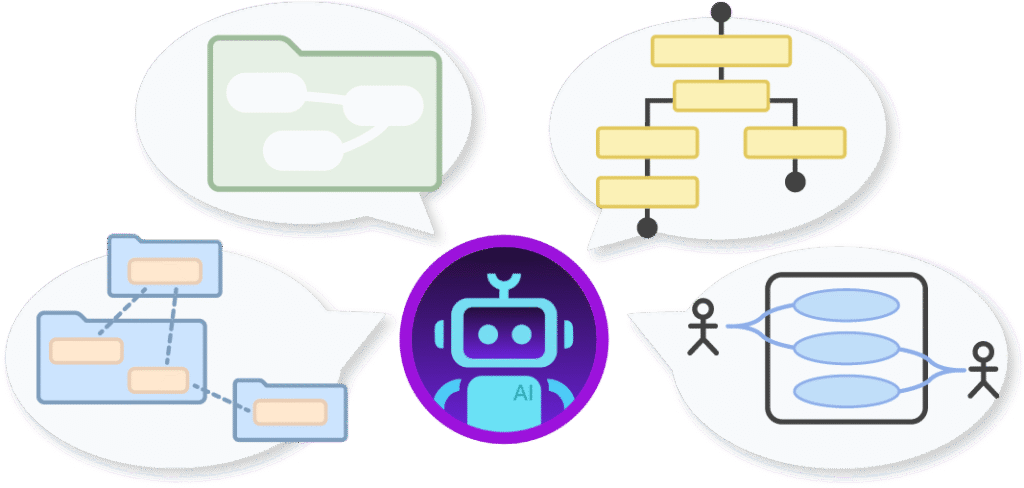
Refine Object Interactions Through Conversation
Architectural designs constantly evolve, and modifying your diagrams is as simple as sending a chat message. Adjust your communication logic effortlessly by typing prompts like:
Add objects or services: “Connect a PaymentGateway object to the OrderProcessor and include an authorization check.”
Update message flows: “Insert a nested sequence step for token verification right after user login.”
Reconfigure communication paths: “Route the notification request to both SMS and Email services simultaneously.”
The AI updates your diagram on the fly—automatically adjusting sequence numbers, re-aligning connections, and updating object links. This fluid, conversational workflow lets you quickly catch missing calls, trace message routes, and maintain clear technical specs.

Strict UML Standard Compliance: Automatically formats objects, structural links, and nested message sequencing according to official UML specs.
Smart Sequence Numbering: Keeps complex message hierarchies (1, 1.1, 1.2) perfectly organized without tedious manual re-labeling.
Architectural Clarity: Provides a clear, high-level view of object coupling and messaging complexity to help optimize system design.
Smart Line Routing: Keeps sequence arrows straight and avoids overlapping connections, even as your workflow expands.
Examples of Generating
Communication Diagram
Basic Interaction Flow

“Create a Communication Diagram for a user logging into an app: User sends credentials to Auth Server, Auth Server validates with Database, and returns a session token.”
Multi-Service Architecture
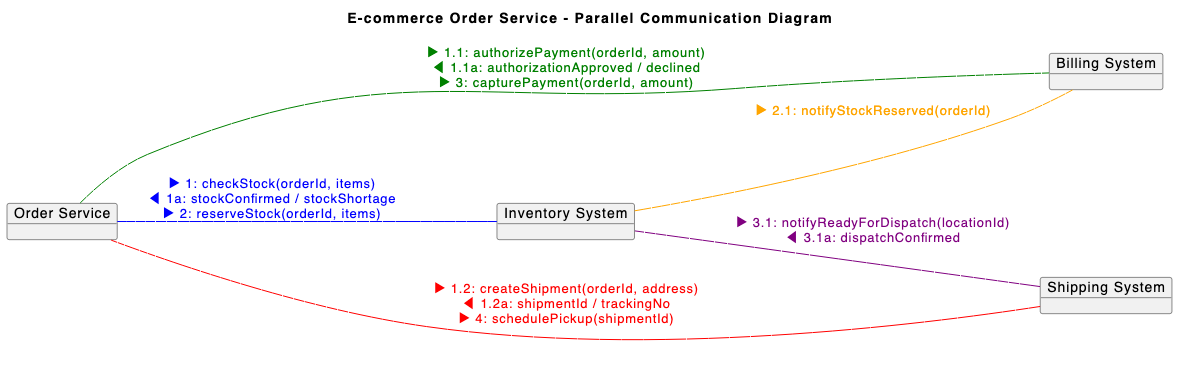
“Model a Communication Diagram showing how an E-commerce Order Service sends messages to Inventory, Billing, and Shipping systems in parallel.”
Bank ATM Cash Withdrawal Flow

“Draw a Communication Diagram for an ATM withdrawal showing interactions between Customer, ATM Interface, Account Controller, and Bank Database.”
What is a Communication Diagram?
A Communication Diagram—formerly known as a Collaboration Diagram in UML—is a standardized visual representation of how objects interact with one another within a software architecture. It emphasizes the structural organization of objects and highlights the sequence of messages exchanged between them to achieve a specific system task.
Key Concepts
Objects & Instances
Classifier instances or software components involved in the interaction, typically represented by labeled rectangles (e.g., User, AuthService, Database).
Structural Links
Solid lines connecting objects to show that a relationship or communication path exists between them.
Messages & Sequence Numbers
Numbered labels on links that indicate the exact order and direction of data transmission (e.g., 1: requestLogin(), 1.1: validateToken()).
Forwarding & Return Vectors
Arrows attached to message descriptions that show whether data is flowing request-side or response-side across a connector.
Arguments & Guard Conditions
Parameters passed inside message calls alongside conditional rules that dictate whether a message executes (e.g., [isValid = true]).
Ready to Streamline Your System Design with AI?
Transform complex object interactions and message flows into clean UML Communication Diagrams in seconds using simple AI text prompts.